Google Workspace
Work smarter, together with Workspace
All your favorite Google tools, in one place
Business Gmail with your own domain
Gemini AI to help you work smarter
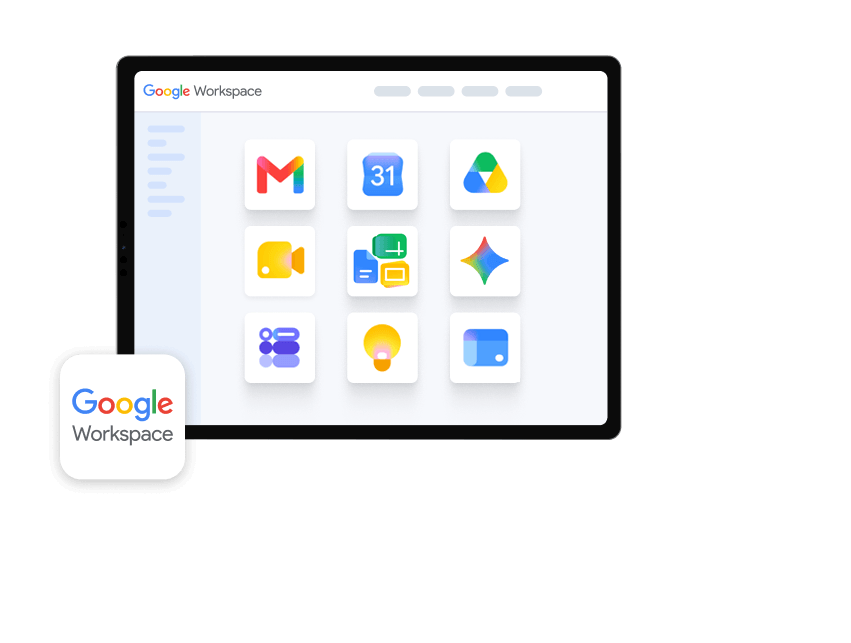

Get more done with Google Workspace, backed by IONOS
Cover all your productivity needs with one plan
State and local taxes will apply. Click here for our General Terms and Conditions.
Everything your team needs to work productively
Gmail
Drive
Docs, Sheets, Slides
Forms
Sites
Calendar
Google Chat & Meet
Gemini
Keep
Do your best work with Gemini AI
Turn rough ideas into polished visuals in minutes. Gemini helps you bring concepts to life and make your content impossible to ignore.

From emails to meeting notes, Gemini helps you write, shorten, and structure text — without switching tabs.

Bring Gemini into your brainstorms and creative sessions. Ask questions, spark ideas, and turn conversations into content — all in real time.

Use Gemini to plan, structure, and track tasks so your team always knows what's happening and what comes next.

Looking for a different way to work?
Microsoft 365
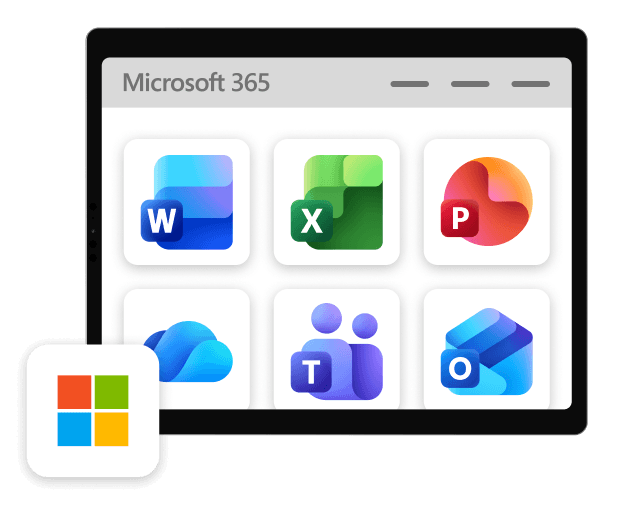
Microsoft 365 from IONOS gives you Word, Excel, Outlook, Teams, and 1 TB of OneDrive storage — plus a personal consultant and 24/7 expert support included with every plan.
Google Workspace — FAQs
Google Workspace was previously known as G Suite. It is a complete package that combines cloud computing, productivity helpers and collaboration tools developed by Google specifically for use in companies. The new name Google Workspace reflects the concept behind the tool collection. Google Workspace includes all the tools you need to work in offices of all kinds: Gmail, Calendar, Drive, Docs, Spreadsheets, Presentations, Meet, Chat and even more. Thanks to the popular free Gmail offering, some users may already be familiar with these apps. But only Google Workspace gives you full versions of all these tools and lets you add your company name to your email address instead of being tied to the usual gmail.com.
IONOS offers Google Workspace to new customers in two versions, Business Starter and Business Standard. In both plans, up to 300 employees have access to the apps, receive their own email addresses and can work together on documents, spreadsheets or presentations. The Standard version also offers 2 TB of storage space, while the Starter version offers 30 GB.
After purchasing the product, you will need to set up the first admin user account and domain to use your Google Workspace account. The next step is to go to the Google Workspace login and get started. You can then configure Google Workspace to your business needs with the admin console. You can customize your account and:
- Create additional users and set access rights
- Add secondary domains
- Personalize the dashboard with company information
- Adjust settings to suit you and your staff's needs
Gemini is an AI-powered assistant built into Google Workspace that makes daily tasks faster and easier. It helps you create content, analyze data, and streamline workflows — all right inside the tools you already use.
Here’s how Gemini can support you:
- Gmail: Get smart reply suggestions, email thread summaries, and writing assistance to speed up communication
- Google Docs: Draft, edit, and structure documents with help from AI suggestions
- Google Sheets: Analyze data with formula recommendations and easy-to-read visualizations
- Google Slides: Create polished presentations from bullet points or short text prompts
- Google Meet: Save time with automatic meeting notes and summaries
- Other tools: Get help with research, image and graphic generation, and even project overviews
By handling routine tasks, Gemini gives you more time to focus on big ideas and creative work. It also helps teams collaborate more effectively by integrating seamlessly into your existing apps and adapting to your unique needs.
You can use Google Workspace Sync for Microsoft Outlook (GWSMO) to synchronise your account with Outlook. This enables you to access the synchronised information in Outlook on any device on which you use your Google Workspace account.
Once you've downloaded Google Workspace Sync for Microsoft Outlook (GWSMO), you must restart Microsoft Outlook when prompted. You can then import your data from an existing Outlook profile or from a PST file with data exported from Outlook into your Google Account. The import process might take a while, depending on how many emails you have in your Google Workspace account. You will receive a notification when the import process is complete. You can even use Microsoft Outlook to send Google Workspace emails.
Yes. Google Workspace and it's creators at Google are committed to providing you with the highest privacy standards. These include both the EU's General Data Protection Regulation (GDPR), in force since May 2018, and new legislation like California Consumer Privacy Act (CCPA). Both laws regulate data collection and use, transparency of storage, and give users wide access to their data management. You can learn more about Google Workspace and the GDPR in this white paper on Google Cloud and the EU General Data Protection Regulation.
Google Workspace and Microsoft 365 offer professional business email and productivity tools for easier collaboration. Google Workspace's tools include (among others) Gmail, Google Drive, Google Docs, Sheets, Slides, Keep, Calendar, Google Chat and Google Meet, whereas Office 365 has Outlook, OneDrive, Word, Excel, PowerPoint, One Note, Skype and other Microsoft apps.
IONOS offers two packages, with the Business Standard package providing 2 TB of storage. Microsoft 365 offers two business plans, which all come with 1 TB of cloud storage and two of the plans come with 50 GB of email storage.
When it comes to ease of use, Google Workspace has better admin controls and web and mobile apps, whereas Microsoft 365 has better desktop apps. Both rate highly in the security department: with included cloud security protection, data loss and leak prevention, as well as built-in spam, virus and unusual activity detection. Google Workspace boasts two-factor authentication and Microsoft 365 comes with multi-factor authentication. For a detailed comparison on both products, check out this article comparing Google Workspace to Office 365.
It depends. Although Google Workspace has been developed for use in a business setting, it might be the right choice if you just want to upgrade or are looking for extended features such as a custom email address based on your own domain, the option for unlimited cloud storage (depending on plan and number of members), additional administrative tools and advanced settings, and 24/7 phone and email support.
Gmail is great if you're using it for personal use and therefore don't mind the @gmail.com domain. However, you probably prefer something more professional to represent your business, which is why the personalized domain (name@yourcompany.com) you get with Google Workspace is more appropriate. Google Workspace also provides user management and admin features for multiple users, which is especially important in case an employee leaves the company since it means the data doesn't leave with them. Google Workspace offers double the amount of storage that Gmail does: 15 GB compared to 30 GB/2 TB (depending on the plan). Documents are shared securely thanks to the rights management meaning it's impossible to accidentally share data outside of the company. Another advantage of Google Workspace when it comes to security is that there are additional security options such as two-factor authentication to make sure there is no unauthorized access to your account.
Users can take advantage of 24/7 support and an uptime of 99.9%. Google Workspace can be customized with your own company logo and, as previously mentioned, can be synced with Microsoft Outlook so you can access Google Workspace emails on any device that you've connected.
The free Gmail version is not designed with a business setup in mind so if you want as many features as possible to help your company flourish, it makes sense to pay a small sum each month for Google Workspace.
Both Google Workspace versions, Business Starter and Business Standard, come with 24/7 support. Both of these plans enable you to create documents, spreadsheets and presentations, connect with others through business email (Gmail), video and voice conferencing, secure team messaging, and shared calendars.
As well as the features mentioned above, you get 30 GB storage with Google Workspace Business Starter, the cheapest of the packages. Google Workspace Business Standard provides you with an enhanced office suite with 2 TB storage and archiving, and unlike with free Gmail, Google Workspace users aren't subjected to advertisements and administrators can personalize security and privacy settings.
The payment plan is flexible, and you're able to add and remove users at any time.
Yes! With Google Workspace, you're able to read and send emails on the go as well as attend meetings remotely no matter where you are. Google Workspace apps can be downloaded for Android® and iOS® devices so you can access them at all times from anywhere. It's especially easy to set up for Android — you only need to add your Google Workspace account once to your mobile device and your email, contacts, and calendar entries are available on that device. For iOS, you also have to setup Google Sync before you can start using email, contacts and calendar. Choose which products you want to synchronize with your device and repeat each step for each account you want to add.
You can also use Google Workspace offline as long as you set it up while you're online. As administrator, you need to enable offline access via the admin console dashboard, then it will be available for offline use.
 Email hosting
 1 Dollar Domains
 Small business website
 Domain name generator
 Free Website Hosting
 .tech domain
 Free online store
 Free Domain Name
 Extended validation certificate